


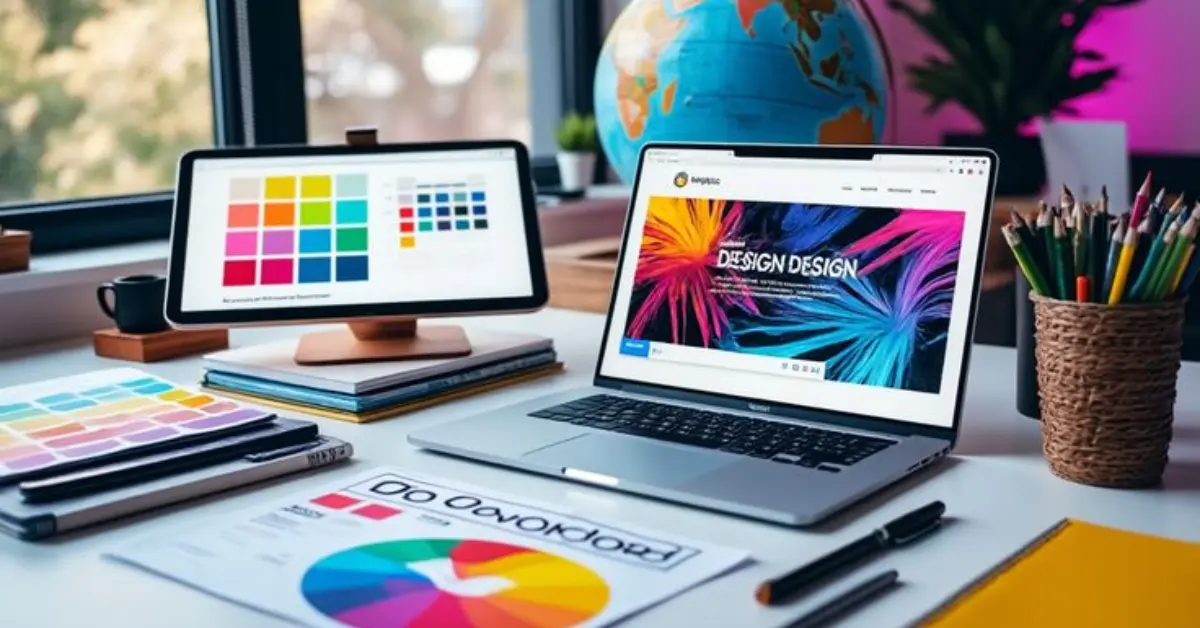
Starting Graphic design software guide for beginners can feel overwhelming, but the right software makes the journey much easier. Choosing beginner-friendly tools helps you focus on creativity instead of struggling with complicated features.
With simple interfaces, ready-to-use templates, and step-by-step tutorials, graphic design software allows beginners to explore ideas confidently. It not only builds creative skills but also boosts confidence as you see your designs come to life—whether for school projects, social media posts, or small business branding.
What to Look for in Graphic Design Software
Before you dive into designing, it’s important to choose the right software that fits your needs. As a beginner, here are a few key things to look for:
Easy-to-Use Interface
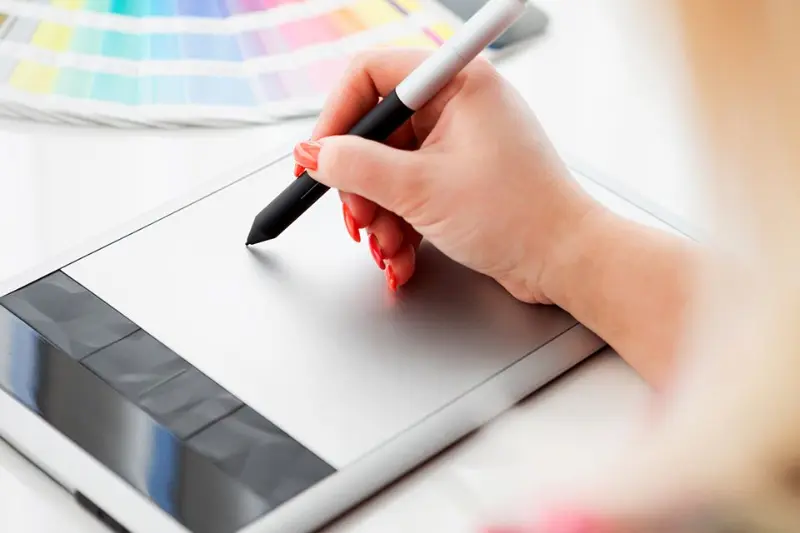
A simple, clean, and user-friendly interface helps you focus on creating instead of getting lost in complicated menus. The easier the layout, the faster you’ll learn.
Templates and Ready-Made Designs
Good design software offers pre-made templates for social media posts, flyers, business cards, and more. These save time and give you a head start while you build your skills.
Affordability (Free vs Paid Options)
Not all great tools are expensive. Free software like GIMP or Inkscape can be powerful alternatives to paid tools. Start with free options, then upgrade to paid versions as you grow.
Tutorials and Learning Resources
The best beginner software includes built-in guides, video tutorials, and online support. This makes it easier to learn quickly and improve your designs step by step.
Best Graphic Design Software for Beginners
Finding the right tool is the first step in your graphic design software guide for beginners. Here are some beginner-friendly options that can help you get started with ease:
Canva
Canva is one of the most popular tools for beginners. It comes with drag-and-drop features, thousands of free templates, and a wide variety of fonts, icons, and graphics. Perfect for making social media posts, posters, and logos—even if you have no prior design experience.
Adobe Photoshop (Basic Use)
Adobe Photoshop is an industry standard, but beginners can start with the basic tools like cropping, layers, and filters. It’s excellent for photo editing and creating custom designs. With plenty of tutorials available online, it’s a great way to build professional-level skills over time.
GIMP (Free Alternative)
GIMP is a free, open-source software that offers many features similar to Photoshop. It’s a great choice if you want advanced editing tools without spending money. Beginners might take a little time to adjust, but it’s worth learning.
CorelDRAW is user-friendly and especially good for creating vector graphics, logos, and illustrations. It comes with helpful tutorials and is great for beginners who want to step into professional design.
Inkscape
Inkscape is another free option, focused on vector graphics. It’s perfect for beginners who want to create illustrations, logos, and scalable designs. The interface is simple, and since it’s open-source, you’ll find lots of community support.
Tips for Getting Started
Starting graphic design software guide for beginners may feel challenging, but small steps can make the process easier. Here are a few tips that will help you build confidence as a beginner:
Start with simple projects
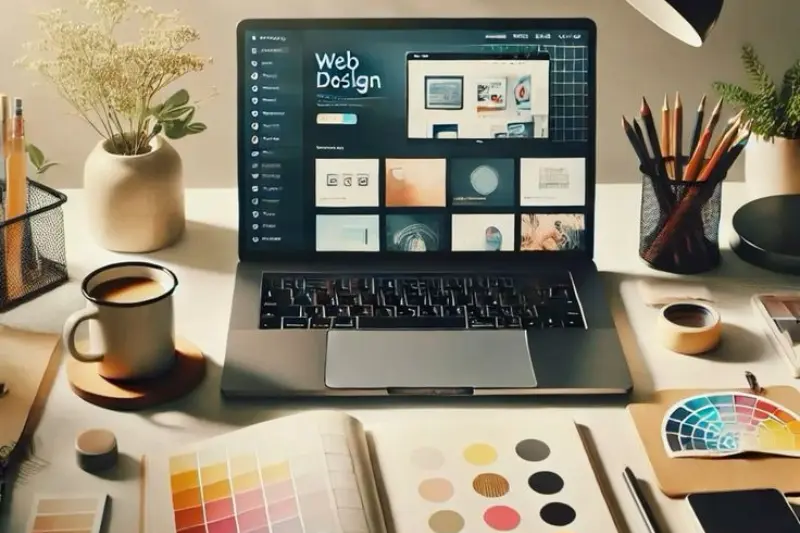
Instead of jumping into complex designs, begin with small tasks like creating a social media post, a flyer, or a simple logo. This helps you learn the basics without feeling overwhelmed.
Use keyboard shortcuts
Learning a few basic shortcuts can save a lot of time. Whether you’re using Canva, Photoshop, or GIMP, shortcuts make your workflow faster and smoother.
Follow tutorials and online courses
Most design software comes with free guides and step-by-step tutorials. You can also find helpful YouTube videos and courses that explain tools in an easy way.
Practice regularly
Designing is a skill that improves with practice. The more you experiment with fonts, colors, and layouts, the better your designs will become over time.
You may also like to read these posts
Best Free Online Tools for Students and Professionals
Best Creative Writing Prompts for Beginners to Try Today
Simple Interior Design Ideas for Homes to Create Style
Best Digital Marketing Tools and How to Use Them Effectively
Common Mistakes to Avoid in Graphic design software guide for beginners
When starting out in Graphic design software guide for beginners, it’s easy to make small mistakes that can affect the final look of your work. Here are a few things beginners should watch out for:
Using too many fonts and colors
Mixing too many fonts or bright colors can make your design look messy. Stick to two or three fonts and a simple color palette for a clean result.
Ignoring alignment and spacing
Alignment and spacing are key to balance. If elements are not properly spaced, the design looks unprofessional. Always check margins, padding, and text alignment.
Saving in the wrong format
Different projects require different file formats. For example, use PNG for transparent images, JPEG for web photos, and PDF for print. Saving in the wrong format can lower quality.
Overloading designs with elements
Adding too many shapes, icons, or images can distract viewers. Keep your design simple and focus on the main message you want to deliver.
FAQs About Graphic Design Software for Beginners
Do I need a high-end computer?
Not always. Cloud-based tools like Canva work on almost any device, including laptops and even smartphones. However, advanced software like Photoshop or CorelDRAW may run better on a computer with higher RAM and a good graphics card.
Can I learn design without training?
Yes, absolutely. Many beginners learn graphic design through free tutorials, YouTube videos, and online courses. With practice, you can develop strong design skills without formal education.
What’s the easiest software to start with?
Canva is the easiest option for beginners. It’s simple, drag-and-drop, and comes with ready-made templates. You don’t need prior design knowledge to use it effectively.
Is free software enough for professionals?
Yes, free tools like GIMP and Inkscape are powerful enough to create professional-quality designs. Many designers start with these before moving on to paid tools.
How long does it take to learn?
It depends on your practice and interest. With regular effort, you can create simple designs in a few weeks. Mastering advanced tools may take a few months, but consistent practice is the key.
Conclusion
Starting your design journey doesn’t have to be difficult. With the right Graphic design software guide for beginners software, beginners can explore creativity, build confidence, and create impressive designs without years of training.
Whether you choose Canva for its simplicity, Photoshop for professional skills, or free tools like GIMP and Inkscape, the key is to start small and keep practicing. Avoid common mistakes, follow tutorials, and experiment with new ideas to improve step by step.
Remember, every expert was once a beginner. With patience and regular practice, you’ll soon be able to create designs that truly stand out.
